
ChannelApe
Request a ChannelApe connection through ChannelApe support, then link it to MESA so workflows can exchange order and inventory data.
Connection
Section titled “Connection”Connections provide secure access to the integrated app that you use in a MESA workflow. Your ChannelApe connection securely links your workflows with your ChannelApe account.
When you’re setting up your first workflow with ChannelApe, you’ll need to create a connection by contacting ChannelApe’s support team via support@channelape.com to obtain your private API key.
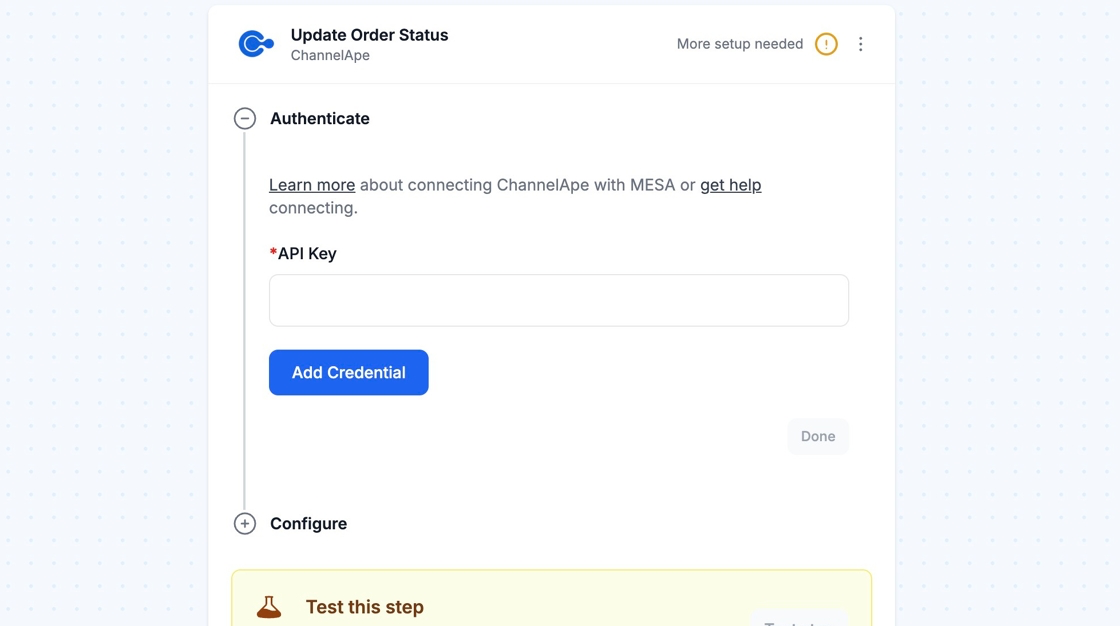
Once you obtain your private API key, you can paste the API key into your workflow connection’s API Key field.