
Intercom
Sign in with Intercom to connect it to MESA, and review the technical notes before building workflows that manage contacts and conversations.
Connection
Section titled “Connection”When you’re setting up your first workflow with Intercom, you’ll need to connect MESA with Intercom.
Click on the Sign in with Intercom button to finish the process.
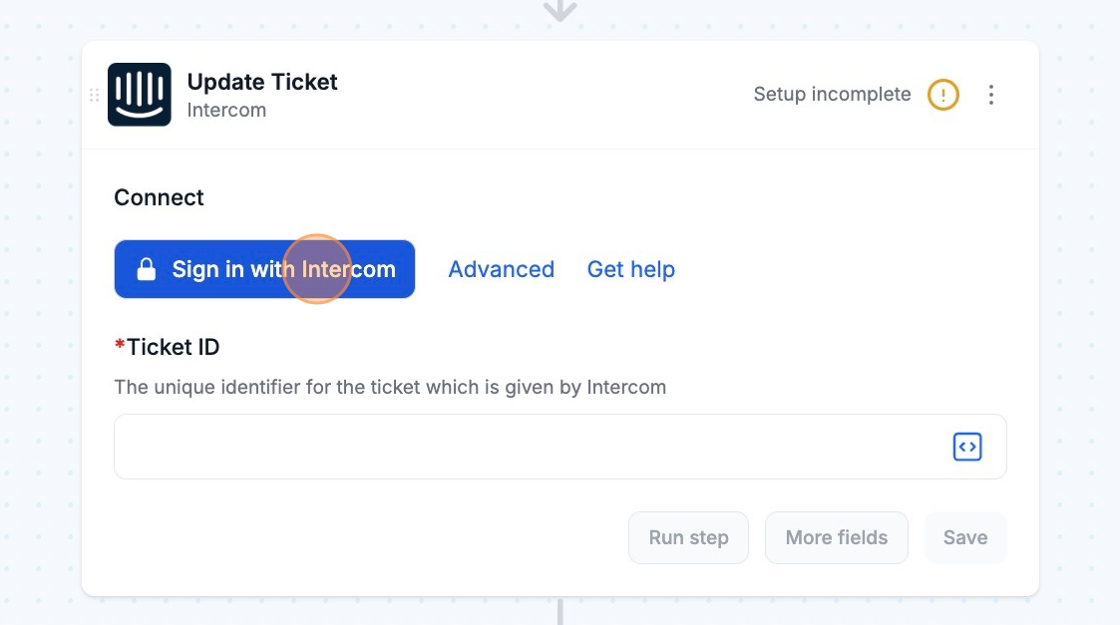
Afterwards, you can re-use the newly created connection and select it for your future workflows!
Technical Notes
Section titled “Technical Notes”Regional Hosting
Section titled “Regional Hosting”MESA supports workspaces that are hosted in the US region at this time. You can refer to the following guide for information on how this is handled: Regional Hosting - Intercom