
Shippo
Connect Shippo to MESA by logging in and authorizing access, then create shipments and buy shipping labels from your workflows.
Connection
Section titled “Connection”When you’re setting up your first workflow with Shippo, you’ll need to create a connection. Click on Connect with Shippo to finish the process.
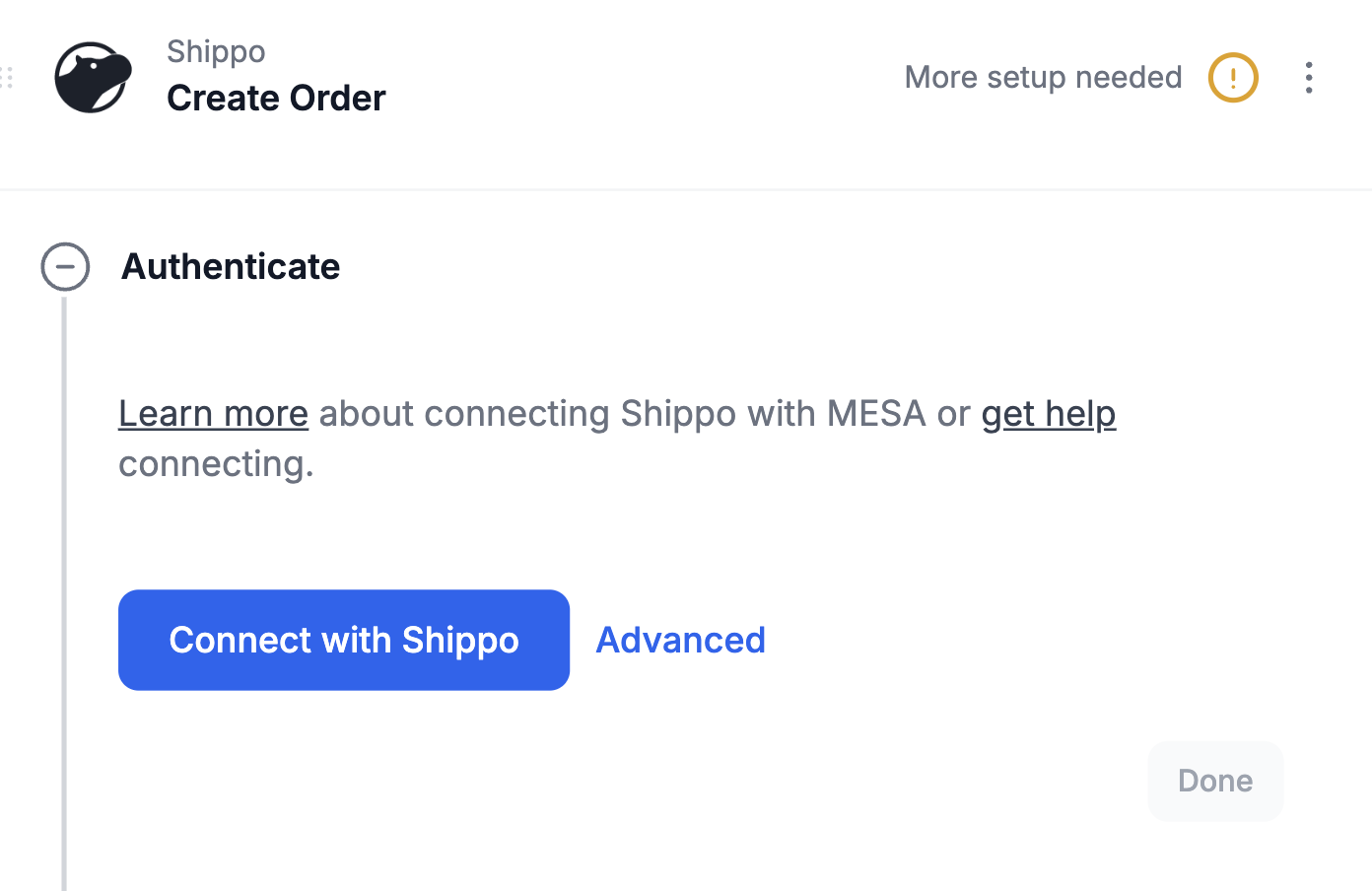
Please log-in into your Shippo account if you are asked to log-in.
Once logged in, your connection will be selected and MESA is now connected with Shippo!
Configuration
Section titled “Configuration”
Creating an order
Section titled “Creating an order”When creating an order, there are several required fields to fill out before MESA can successfully create an order in Shippo.
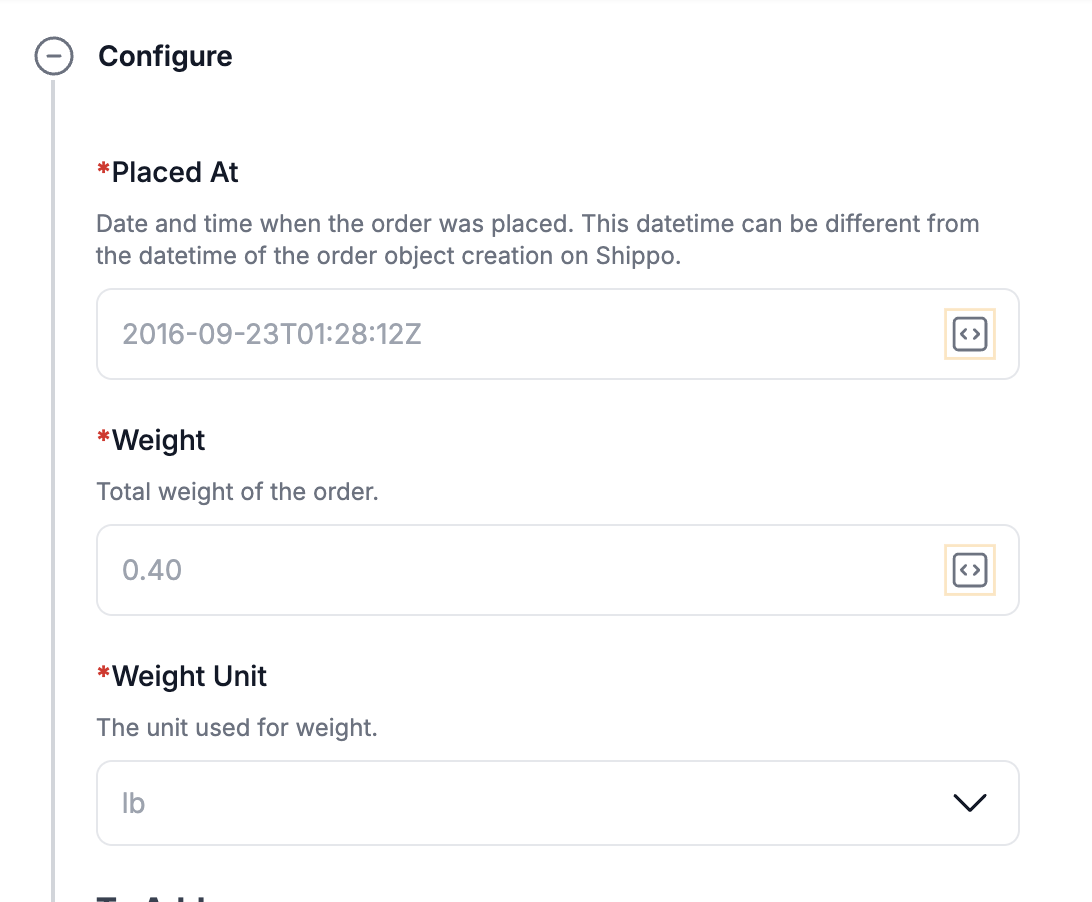
Input the necessary variables within each field by selecting the arrows within the input field. Then, available variables to choose from will display on the right .
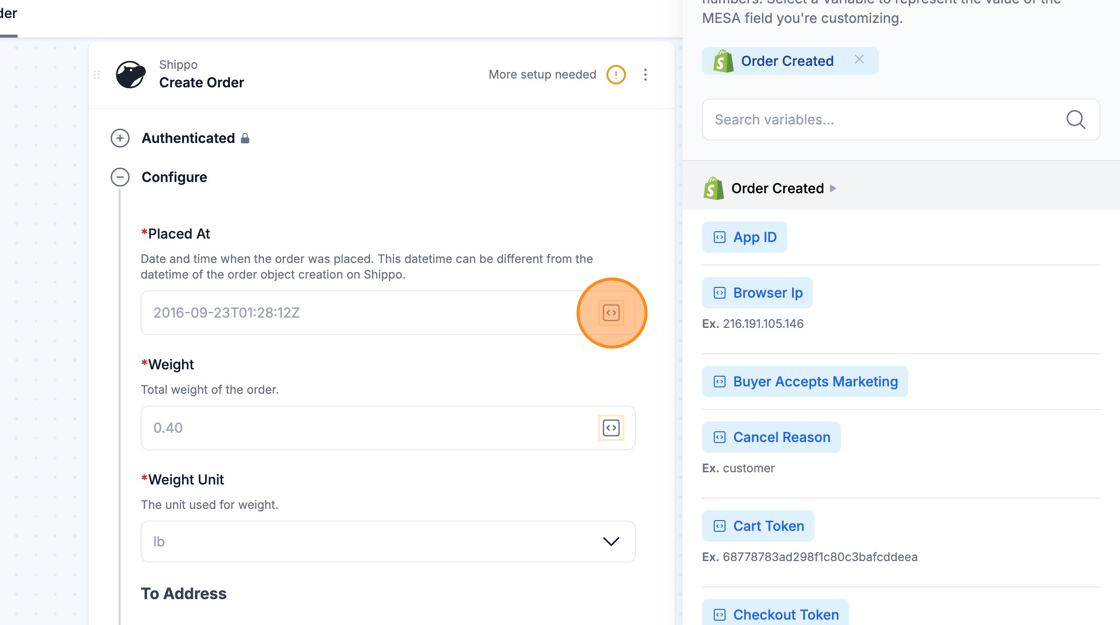
Required fields:
- Placed At
- Weight
- Weight Unit
- To Address (City, State, Country, Street1, Zip)