
Zendesk
Connect Zendesk to MESA by entering your Zendesk subdomain, then create and update support tickets from your Shopify workflows.
Connection
Section titled “Connection”When you’re setting up your first workflow with Zendesk, you’ll need to add your Zendesk subdomain into the text field. For example, if your Zendesk dashboard URL (after you login) is https://subdomain-example.zendesk.com/ your Zendesk subdomain would be: subdomain-example
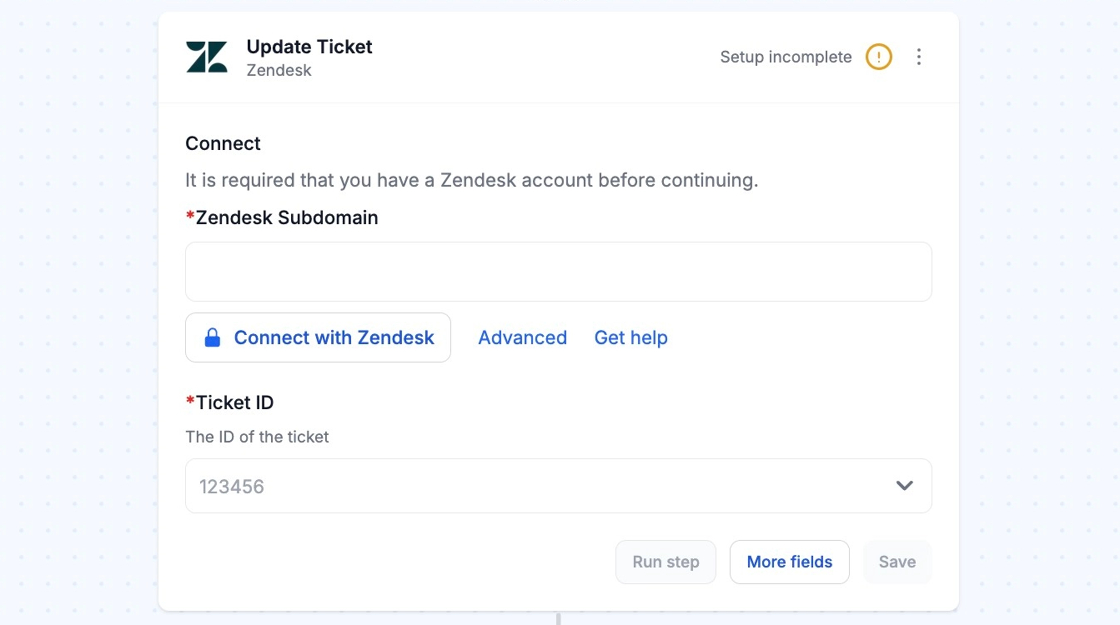
Once your subdomain is entered, click on Connect with Zendesk to finish the process. You may be asked to log-in into your Zendesk account.