
Image
Edit images in a MESA workflow with the Image tool, adding effects and overlays, detecting colors and removing backgrounds from an image URL.
The Image tool allows you to manipulate and process images. By passing in an image URL, you can add image effects, overlays, identify colors, and remove backgrounds.
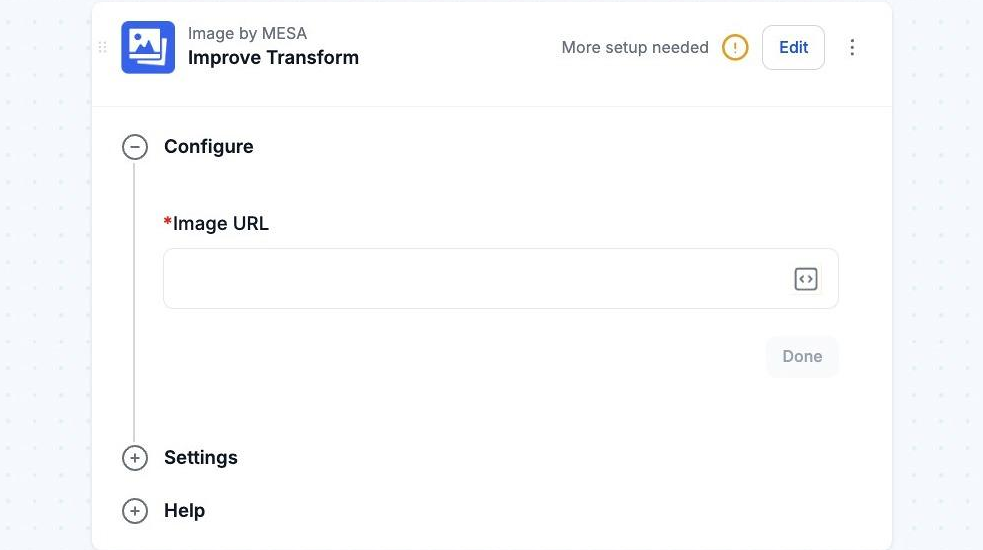
Add Effects / Transform your image
Section titled “Add Effects / Transform your image”This action adds image effects to the supplied image. Pass in an image URL and then the action will return a new image URL that can be accessed using the {{ image }} variable.
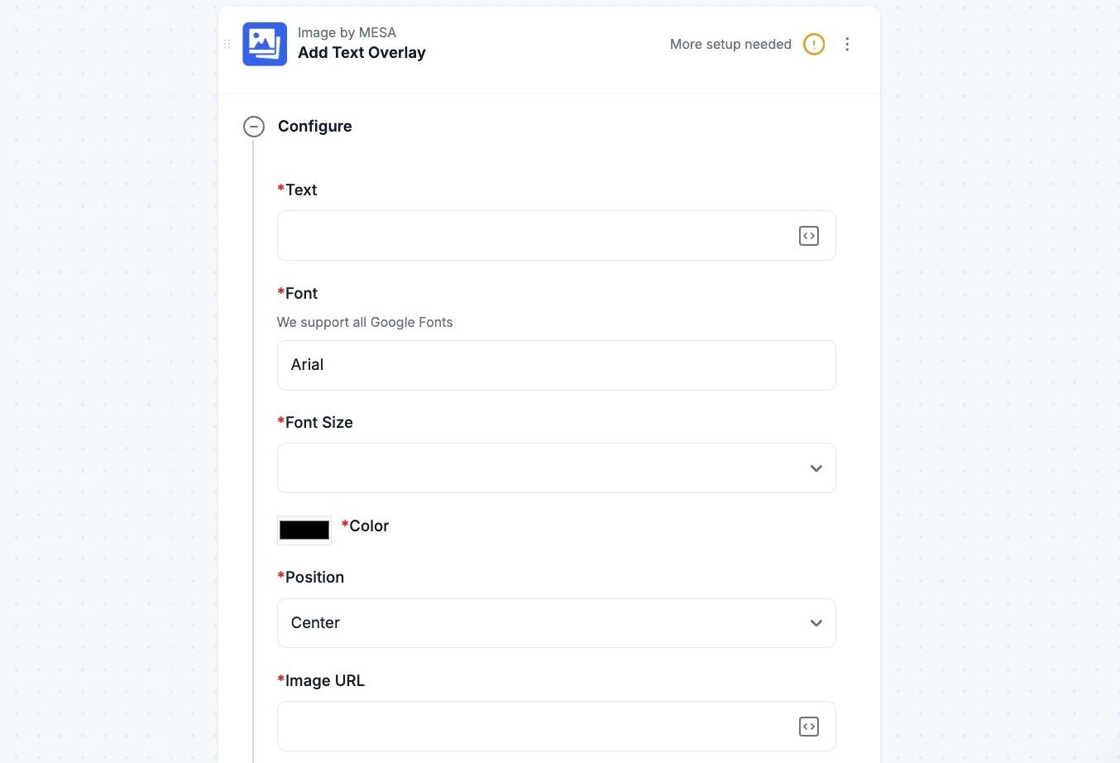
Add an Overlay
Section titled “Add an Overlay”This action adds a text overlay or a watermark to the supplied image. You can either pass an image URL for the watermark or configure the text overlay. The Trigger will return a new image URL that can be accessed using the {{ image }} variable.
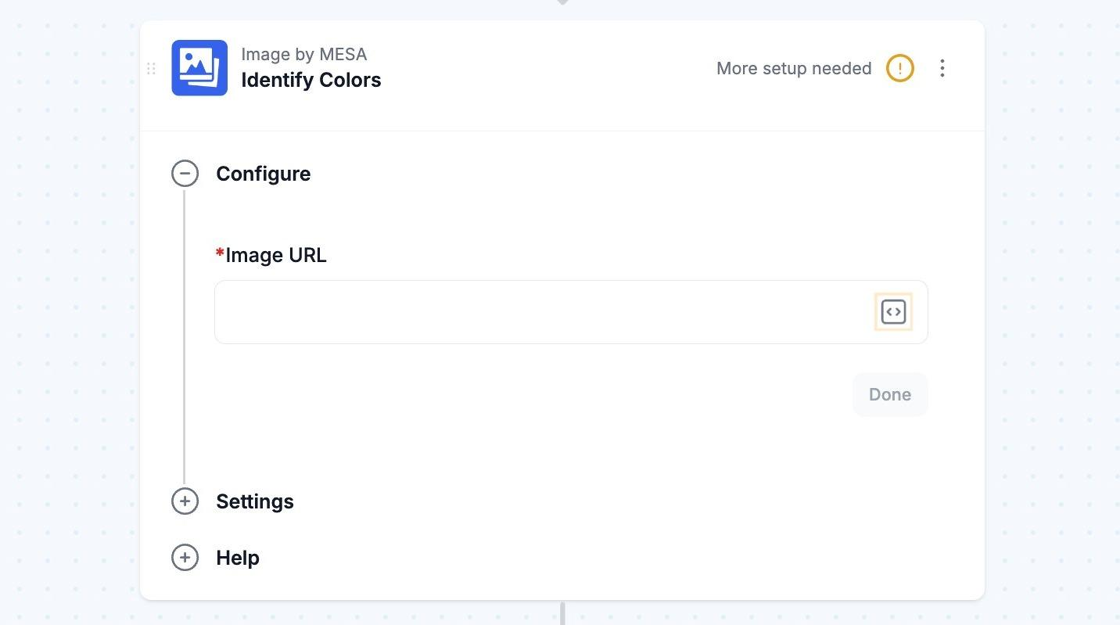
Identify Colors
Section titled “Identify Colors”This action identifies the most predominant colors used in an image. Simply pass an image URL to the trigger, and it will return a list of the colors in the form of the {{ colors }} variable.
Technical Notes
Section titled “Technical Notes”The Image tool is a premium app and has a boundary to the number of times it can be executed each billing period.