
Printful
Connect Printful to MESA by selecting the Printful store to link, then use triggers and actions for print on demand orders.
Connect Printful with MESA
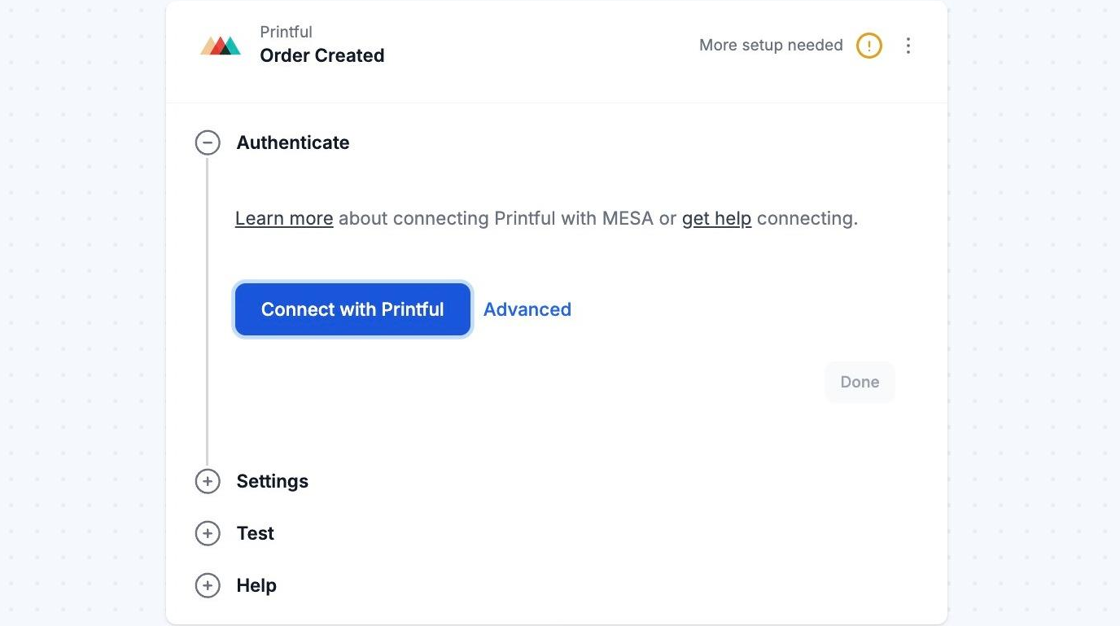
Section titled “Connect Printful with MESA”When you’re setting up your first workflow with Printful, you’ll need to create a connection. Click on the Connect with Printful button to finish the process.
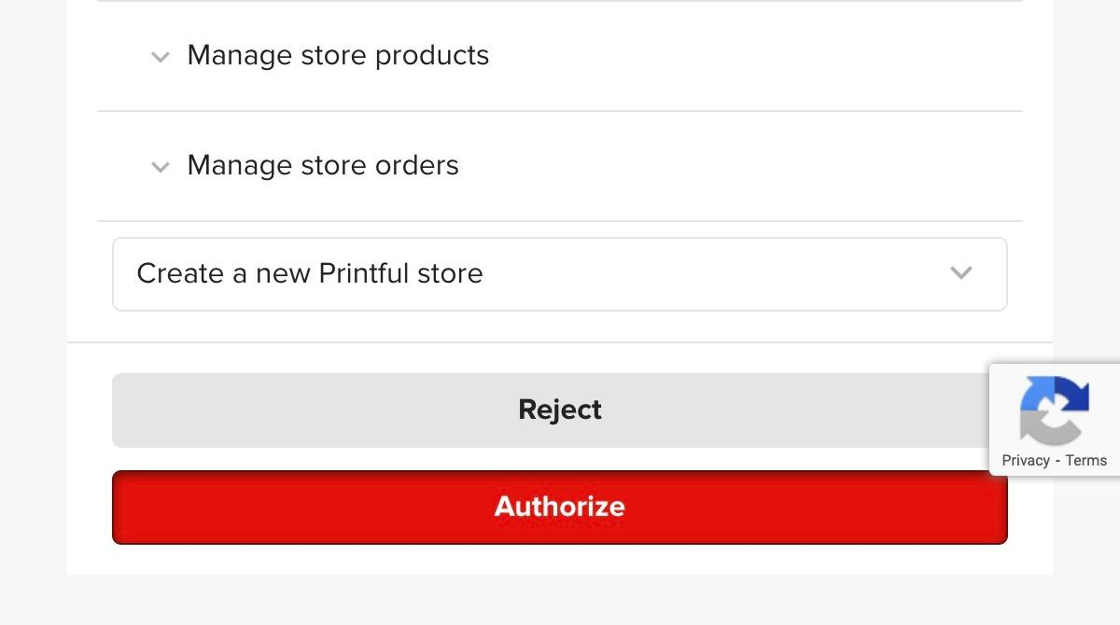
Once clicked, select the Printful store that you would like to connect to in the dropdown menu on the permissions screen.
Then, click on the Authorize button.
Afterward, you will be redirected back to MESA . You can re-use the newly created connection and select it for your future workflows!