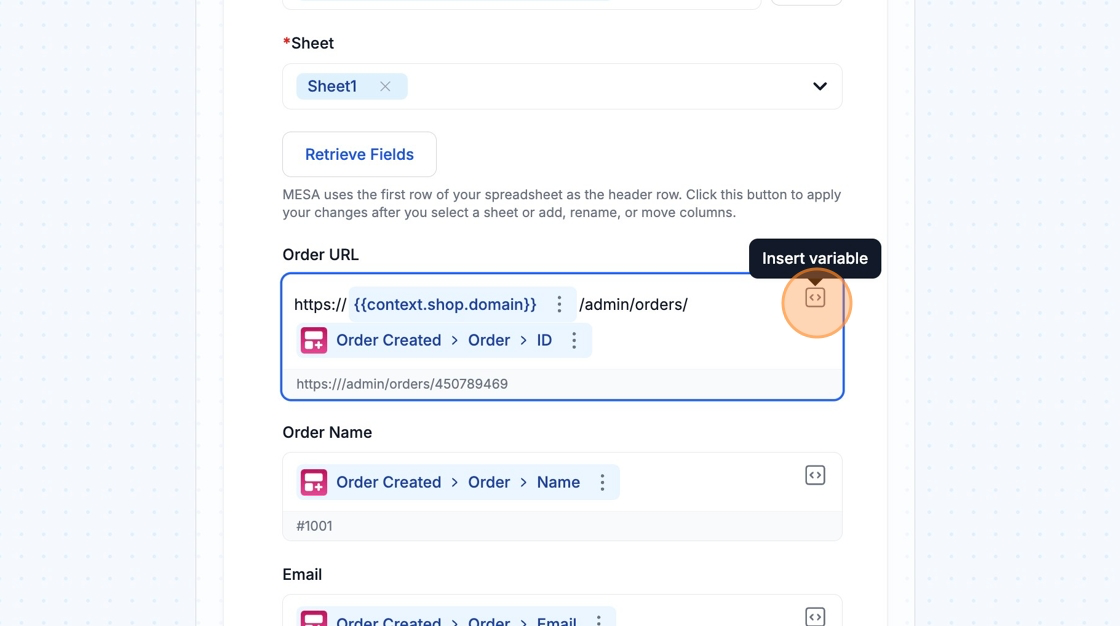
Add Row
Use the Google Sheets Add Row action in MESA to append a row, retrieve your spreadsheet columns, and map variables into each one.
The Add Row action creates a new row in an existing spreadsheet. To get started, Authenticate and select an existing Spreadsheet and Sheet. Then click the Retrieve Fields button to retrieve the columns from your spreadsheet.
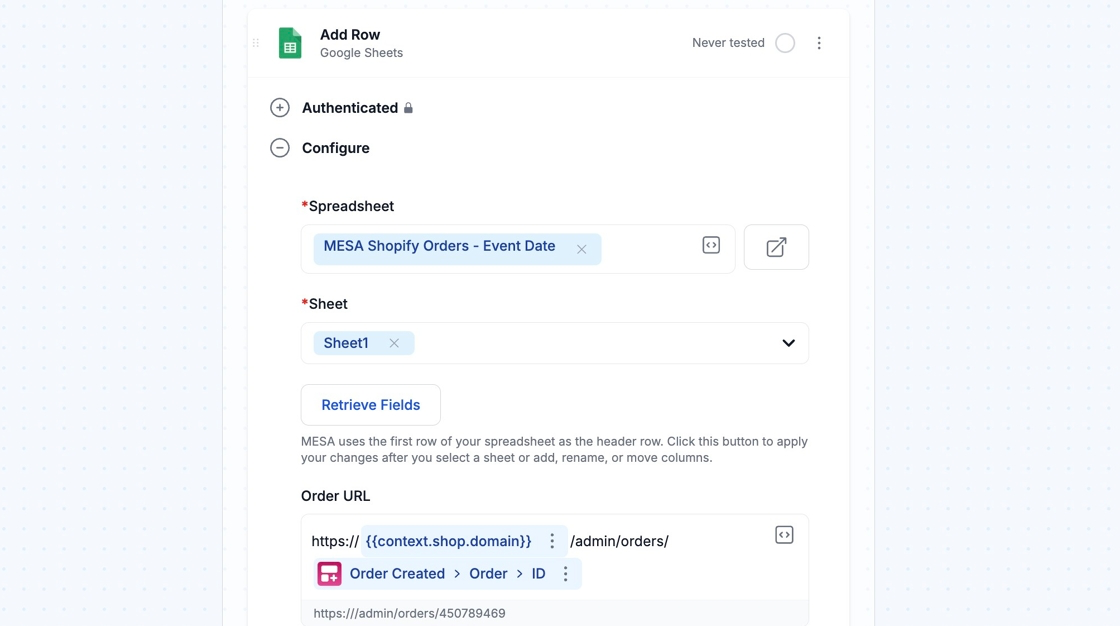
Updating columns from spreadsheet
Section titled “Updating columns from spreadsheet”Once you click the Retrieve Fields button, MESA will automatically add a field for each column in your spreadsheet. We use the first row of your spreadsheet as the name for each field.
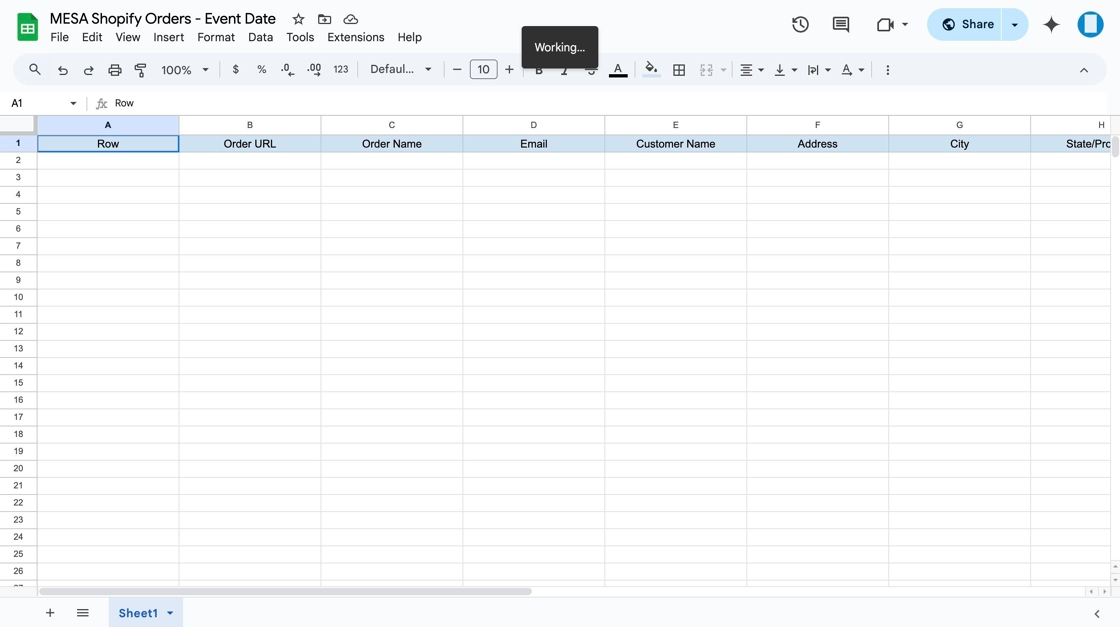
Be sure to click the Retrieve Fields button in MESA after you add, rename, or move columns in your Google Sheet.
Configuring the columns added to Google Sheets
Section titled “Configuring the columns added to Google Sheets”Once your columns appear in MESA, you can use Variables or text as the values for each column in the row that will be added. Variables let you pass data like Order, Product, or Customer information to the Google Sheet.