Tally
Create an API key in your Tally account settings and add it to MESA so workflows can start from new Tally form submissions.
Connection
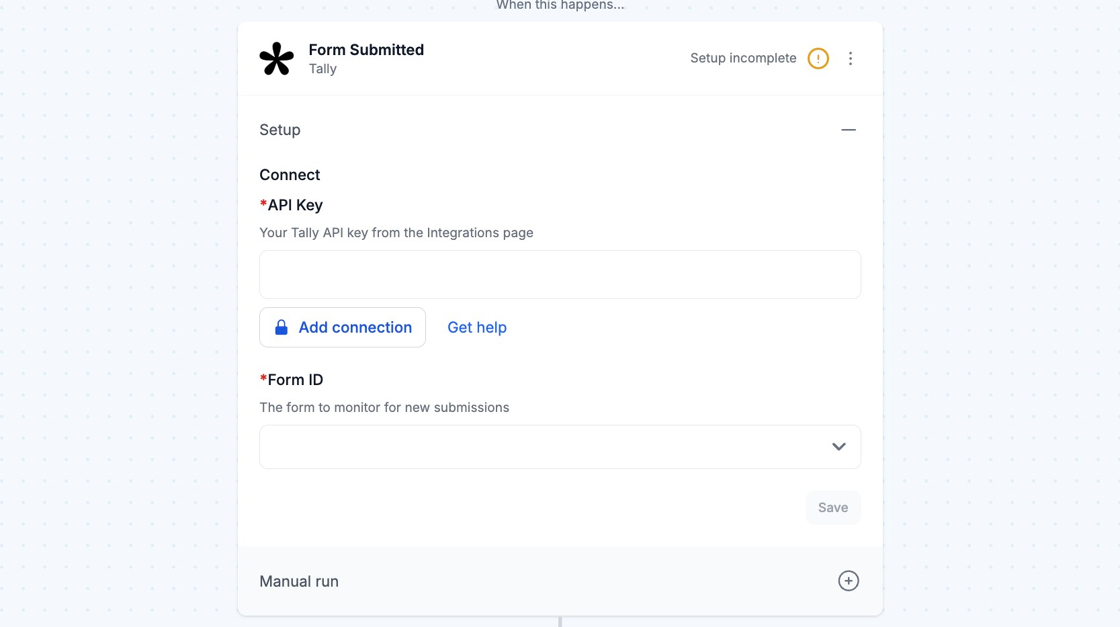
Section titled “Connection”When you’re setting up your first workflow with Tally, you will need to create a connection in order to connect MESA with Tally.
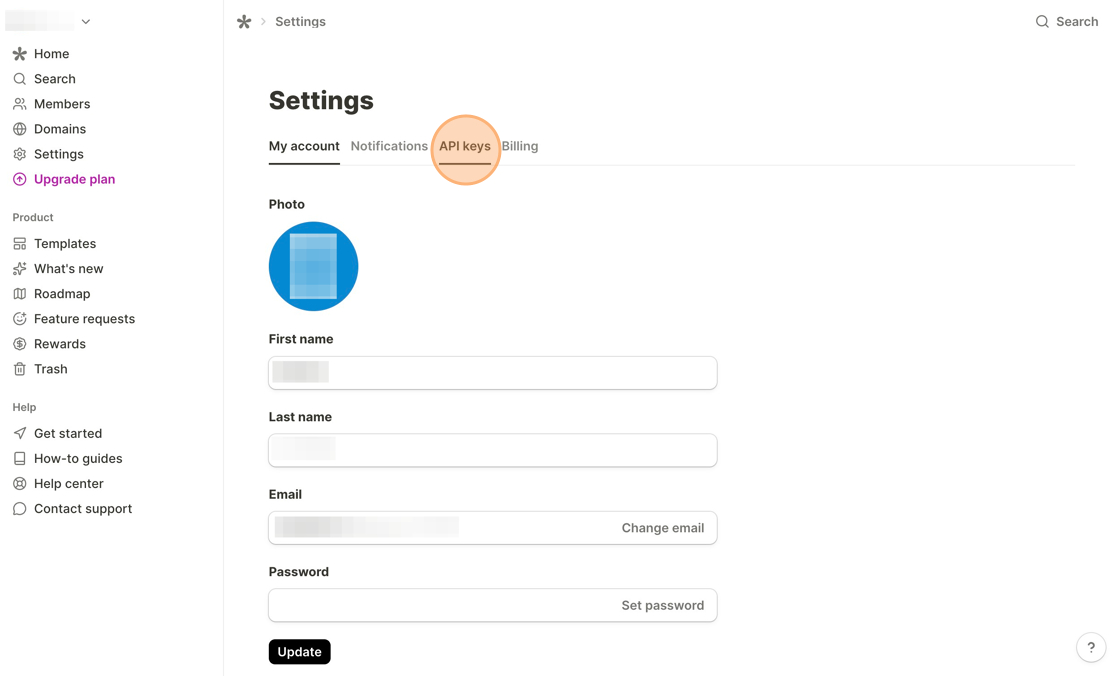
To establish your connection, login to your Tally account and navigate to Settings. Then, click API keys.
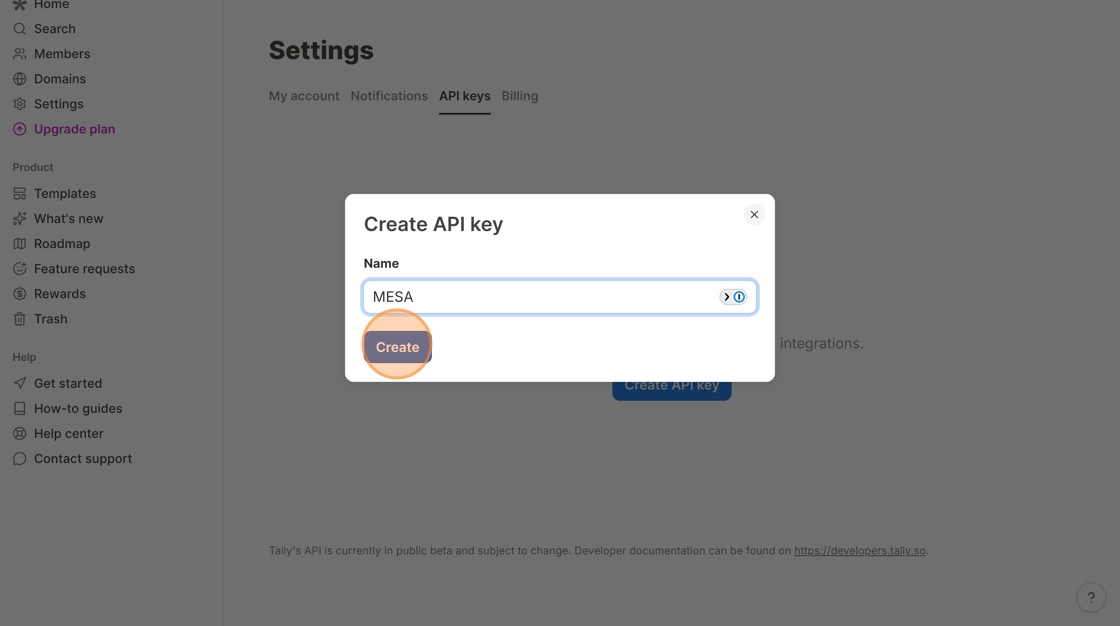
Click the Create API key button and enter MESA for the API key name, then click Create.
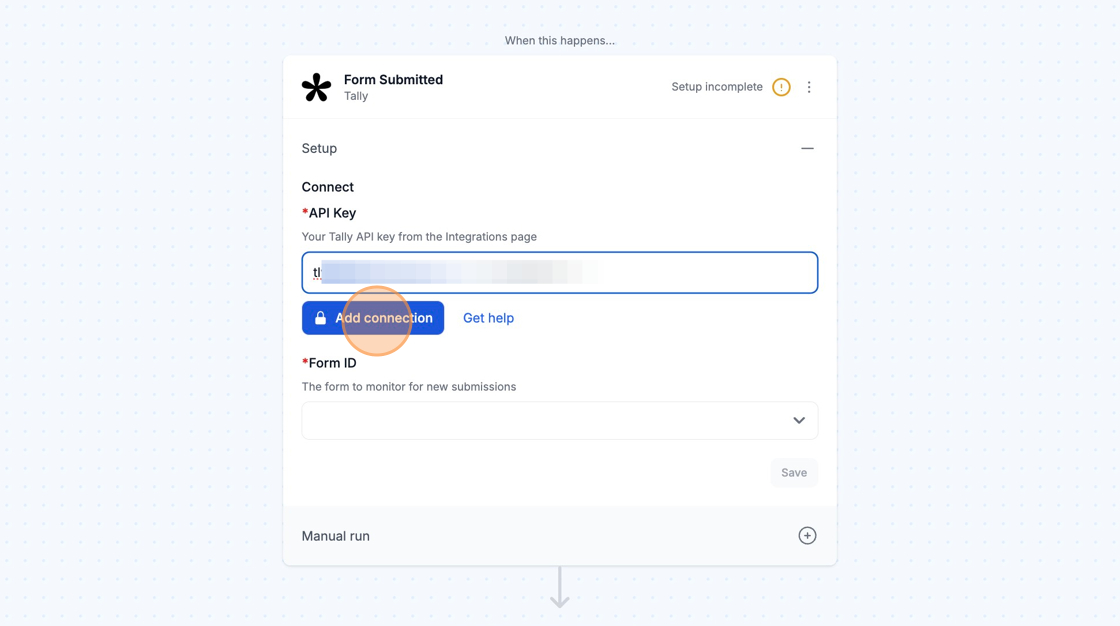
Once your API key is generated, copy it and paste it into the API Key field in the Tally step of your MESA workflow. Then, click Add connection to complete the process.