
ClickUp
Sign in with ClickUp to connect your workspace to MESA, and review the technical notes about ClickUp free plan limits on API usage.
Connection
Section titled “Connection”When you’re setting up your first workflow with ClickUp, you will need to create a connection in order to connect MESA with ClickUp.
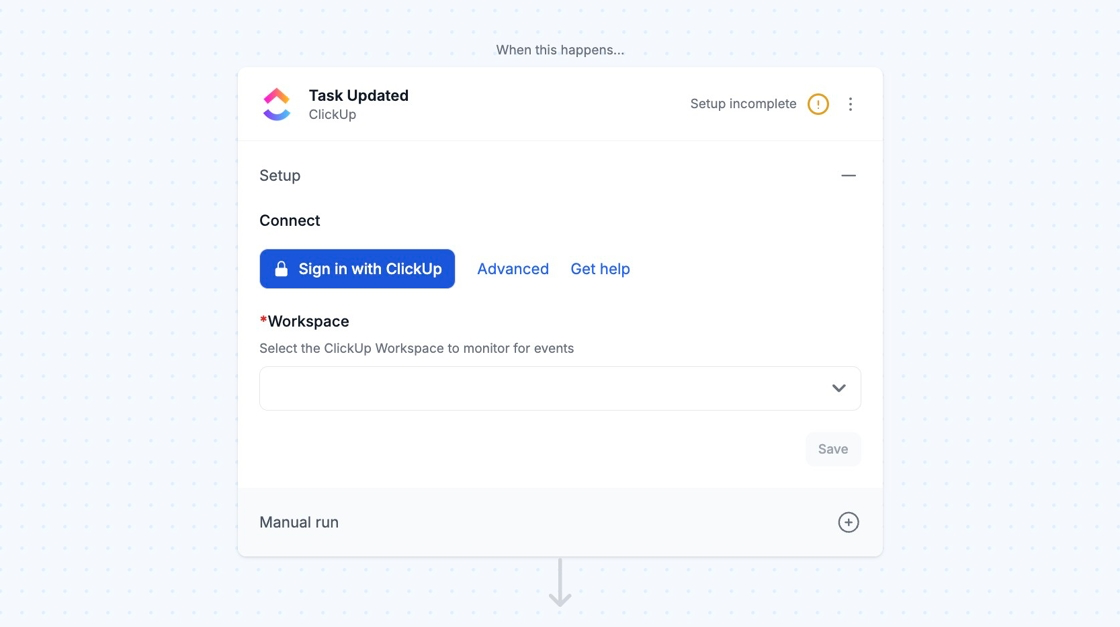
Click Sign in with ClickUp to login to your account and connect your Workspace with MESA.
Once that’s done, your connection is complete.
Technical Notes
Section titled “Technical Notes”ClickUp Free Plan: Custom Field Limits
Section titled “ClickUp Free Plan: Custom Field Limits”
What’s the limitation?
Section titled “What’s the limitation?”ClickUp’s Free Forever plan limits how many times custom fields can be set across tasks in a space.
Why does this affect workflows?
Section titled “Why does this affect workflows?”Automated workflows can hit this limit faster than manual use.
Common problems
Section titled “Common problems”- Workflow fails
- Error mentions “Custom field usages exceeded”
How to fix it
Section titled “How to fix it”- Remove unused custom fields in ClickUp
- Reduce how often workflows set custom fields
- Upgrade your ClickUp plan
Example
Section titled “Example”A workflow that updates 3 custom fields on every new task will hit the limit faster than expected.
Task Update Trigger
Section titled “Task Update Trigger”Adding an attachment to a task won’t run the Task Update trigger, but uploading an attachment to a task comment will.