
Help Scout
Connect Help Scout to MESA by authorizing your account, then use workflow steps that manage conversations and customers.
Connection
Section titled “Connection”When you’re setting up your first workflow with Help Scout, you will need to create a Connection in order to connect MESA with Help Scout.
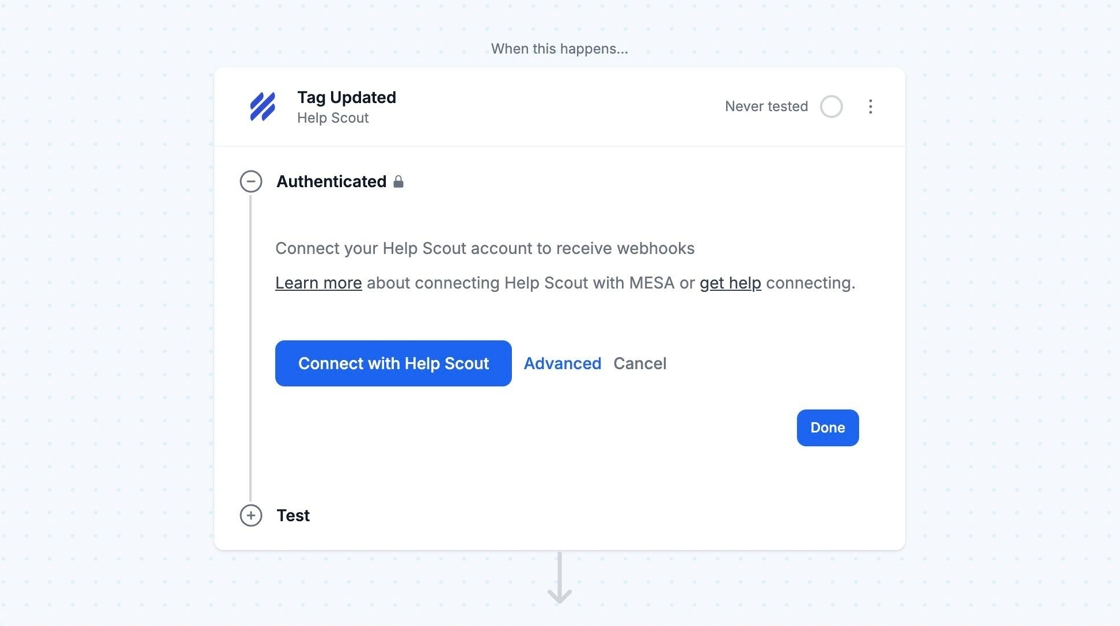
To link your Help Scout account, click Connect with Help Scout and enter your login details. Then, click to Authorize your Help Scout account with MESA.