Transform
Reshape a payload for the next step with the MESA Transform tool, using Transform Mapping with key and value pairs or a custom script for finer logic.
The Transform tool converts the payload sent from the previous step into a form that the next step expects. Of the three different types of Transforms, the Transform Mapping is the most common. If you need fine-tuned logic, you can customize the script for every Transform.
Transform Mapping
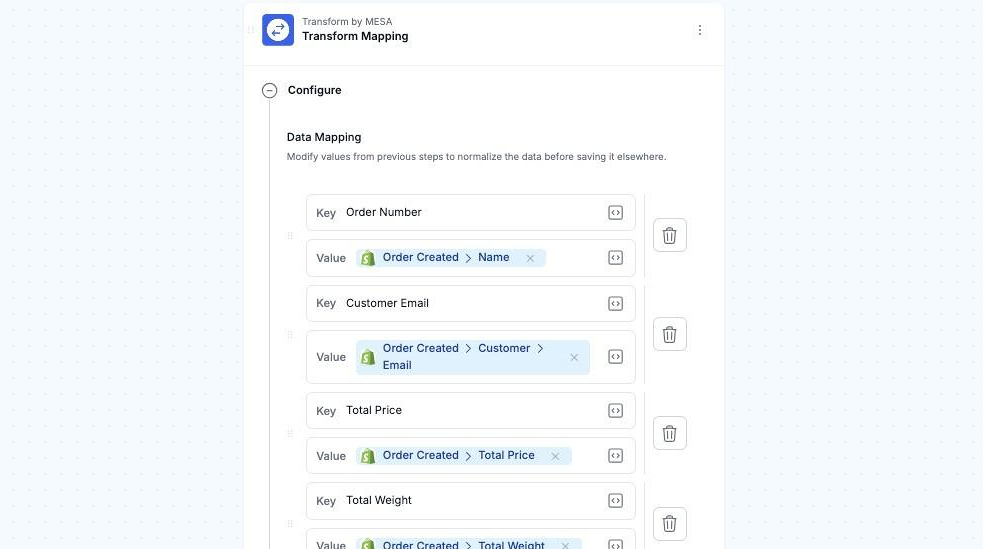
Section titled “Transform Mapping”The Transform Mapping is by far the most common type of transform. The Key column represents the payload key that the next step will receive. The Value column represents the the value that the key will have. The value can be text (like VIP or 20.99), or a variable that will be replaced by the corresponding value from the payload during execution.
When you click on the Variables icon [<>] next to the value, a menu will appear with suggested variables (e.g. Loop variables) based on the previous and next steps in the workflow. It supports liquid-style variables like {{source.order_name}}
In the example below, the Transform Mapping maps order data to the columns expected by the Google Sheets Write Sheet step.
Transform Editor
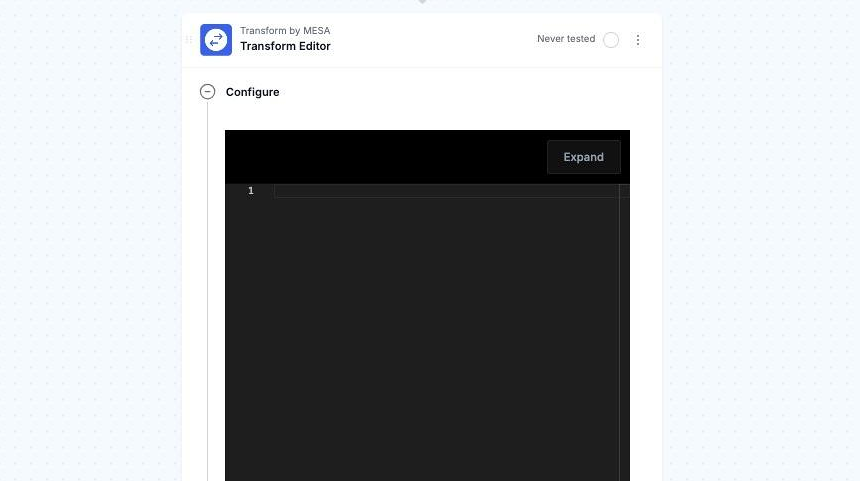
Section titled “Transform Editor”The Editor Transform lets you create a JSON, HTML, or text payload. It supports liquid-style variables like {{source.order_name}}
Transform Script
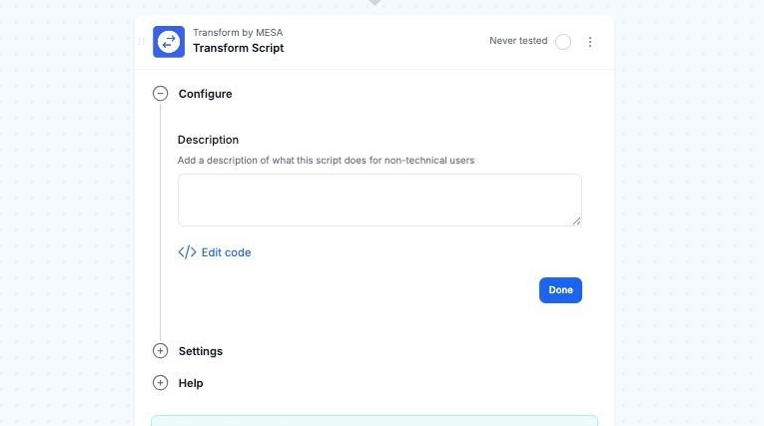
Section titled “Transform Script”The Script Transform allows fine-tuned logic in a JavaScript script. Enter a human-readable description of what the script is doing, and then click Edit Code to start writing your JavaScript.
Read our technical documentation for more details about writing scripts: Scripts and Script Specification.