
Scraper
Extract a web page into markdown with the MESA Scraper tool by entering a URL, useful for gathering content from web resources into your workflows.
The Scraper tool allows you to extract and convert the contents of a web page into markdown format.
Scraper is great for gathering content from web resources to gain insights for your business.
Configure
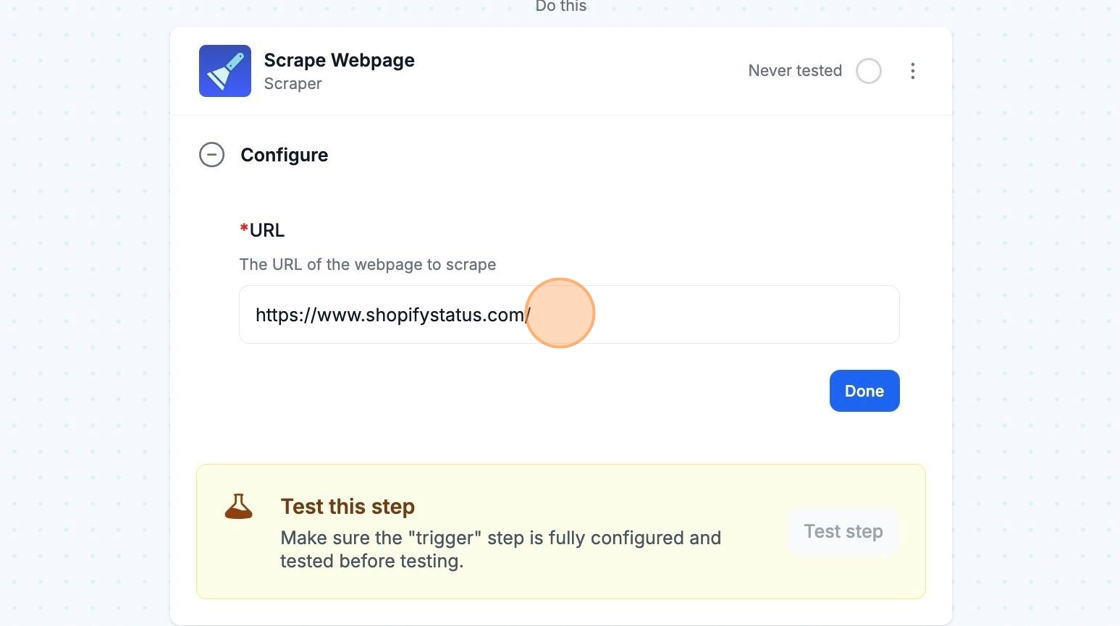
Section titled “Configure”To configure the Scraper tool, you simply need to copy and paste the webpage URL that you would like to extract the content from into the URL field of the step.
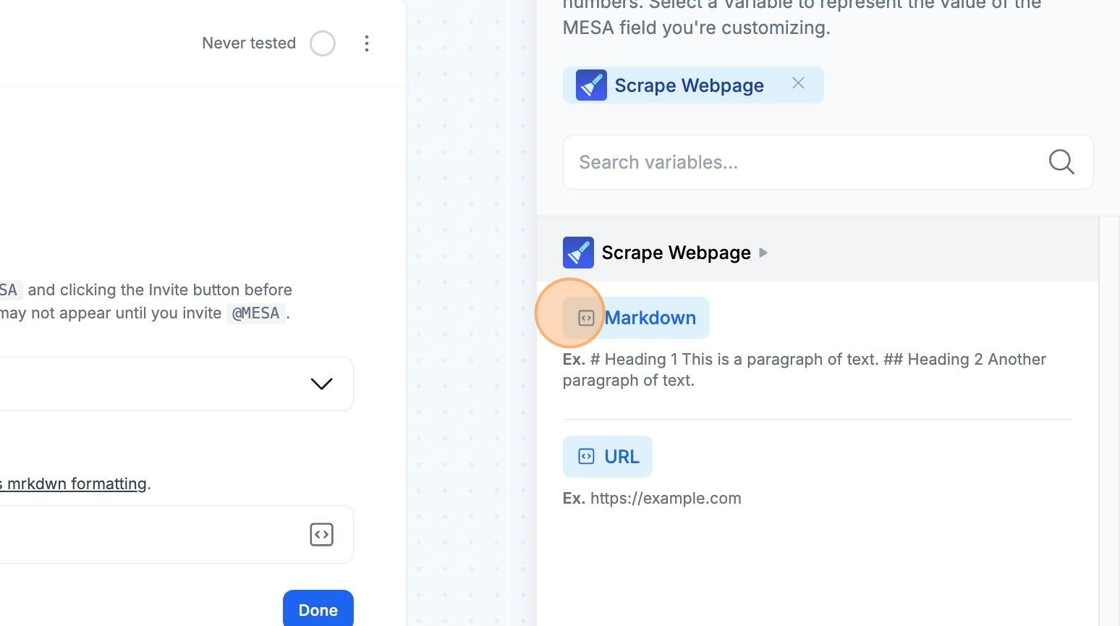
The markdown content of the webpage will be available as a variable via the variable selector in future steps.
Technical Notes
Section titled “Technical Notes”The Scraper tool is currently meant for extracting webpage content only. It does not support scraping for search engines like Google.