
Digital Humani
Copy your API key from the Developer section of Digital Humani and connect it to MESA to plant trees from workflow triggers.
Connection
Section titled “Connection”When you’re setting up your first workflow with Digital Humani, you’ll need to add your API Key so that Digital Humani is a connected app within MESA.
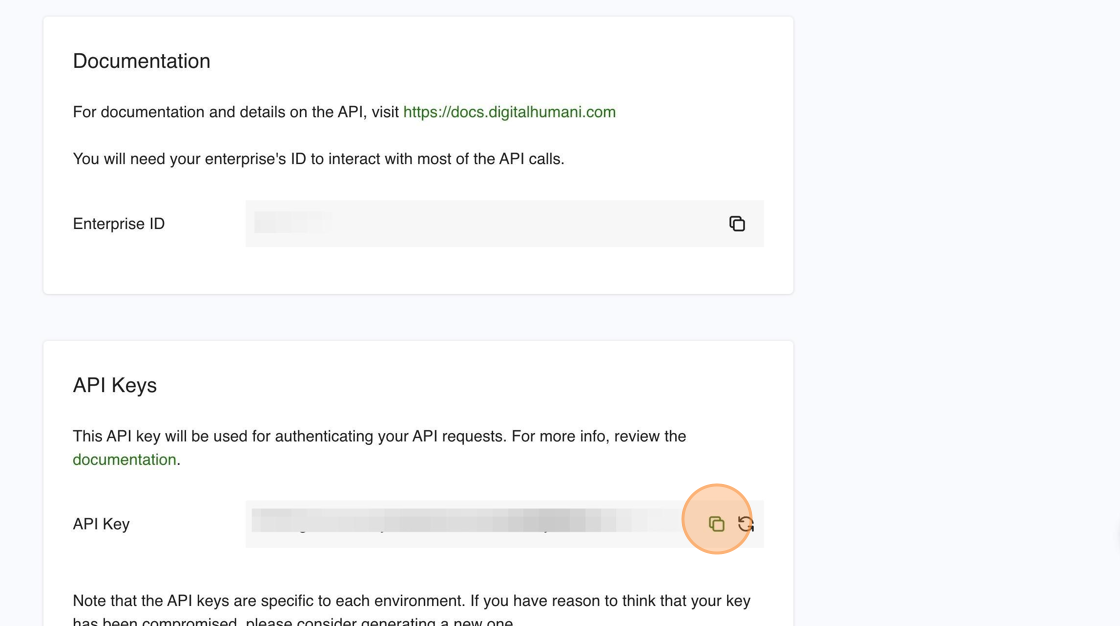
From your Digital Humani account, click on Developer from the left hand navigation. Copy the value next to API Key.
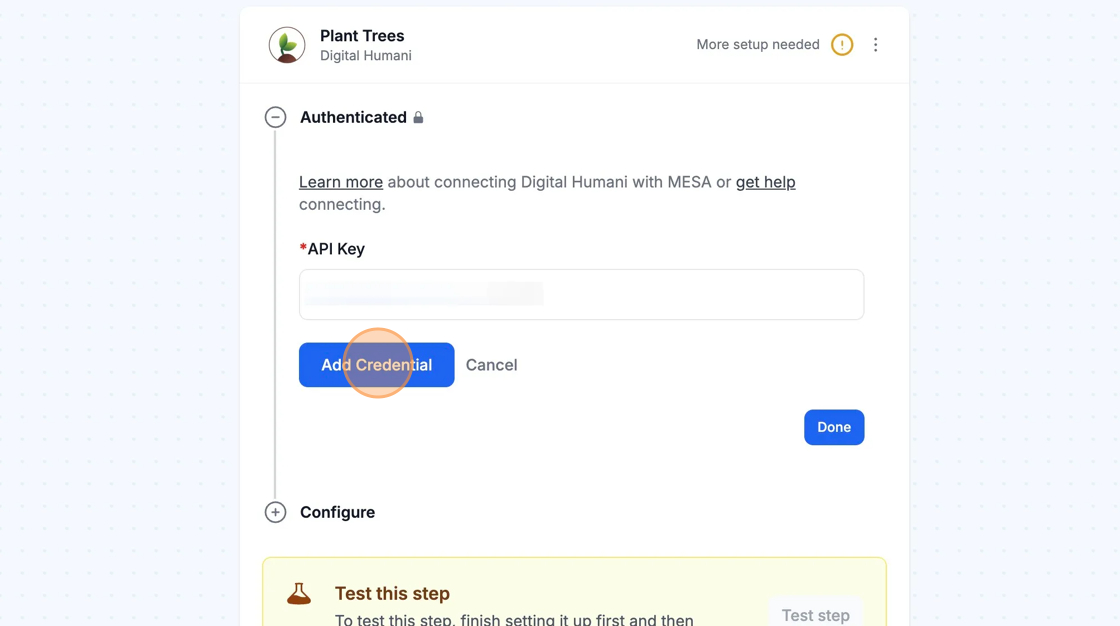
Once everything is entered in the API Key field back in the workflow, click on Add Connection to connect MESA with Digital Humani.
Configure
Section titled “Configure”
Locate Enterprise ID
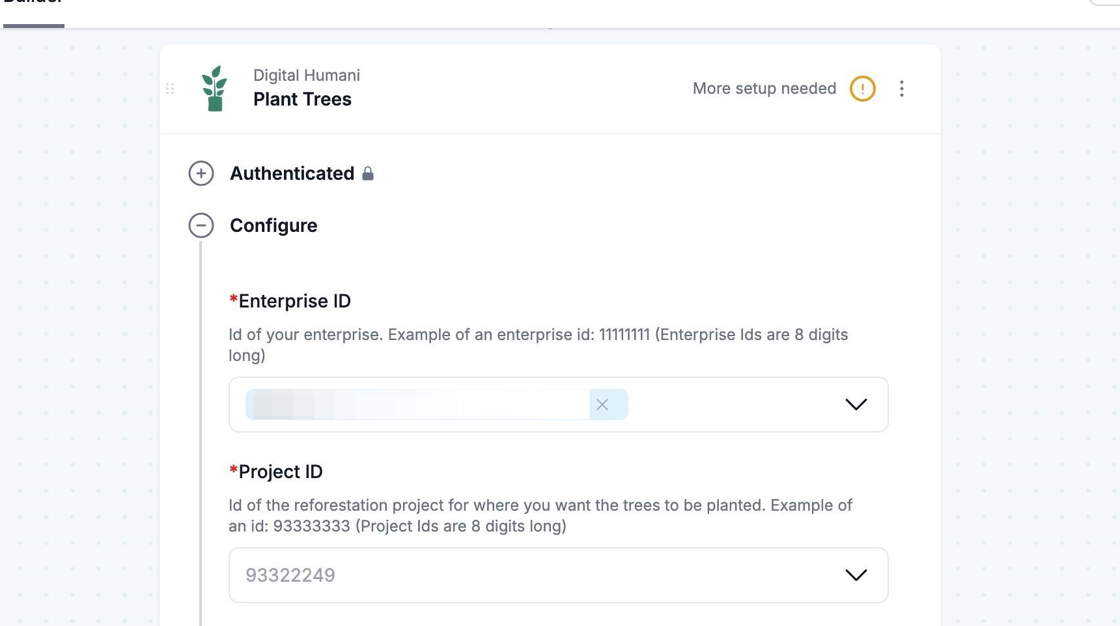
Section titled “Locate Enterprise ID”Some of MESA’s Digital Humani actions, such as the Plant Trees action, include a field for Enterprise ID. This field is required and ensures that your tree planting request is attributed to your Digital Humani account.
Once you have added a valid Digital Humani connection, click Configure and you should see your Enterprise ID displayed.
Choose a reforestation project
Section titled “Choose a reforestation project”With MESA’s Digital Humani Plant Trees Action, there is a required field called Project ID, which allows you to specify which project you wish your tree planting request to go to.
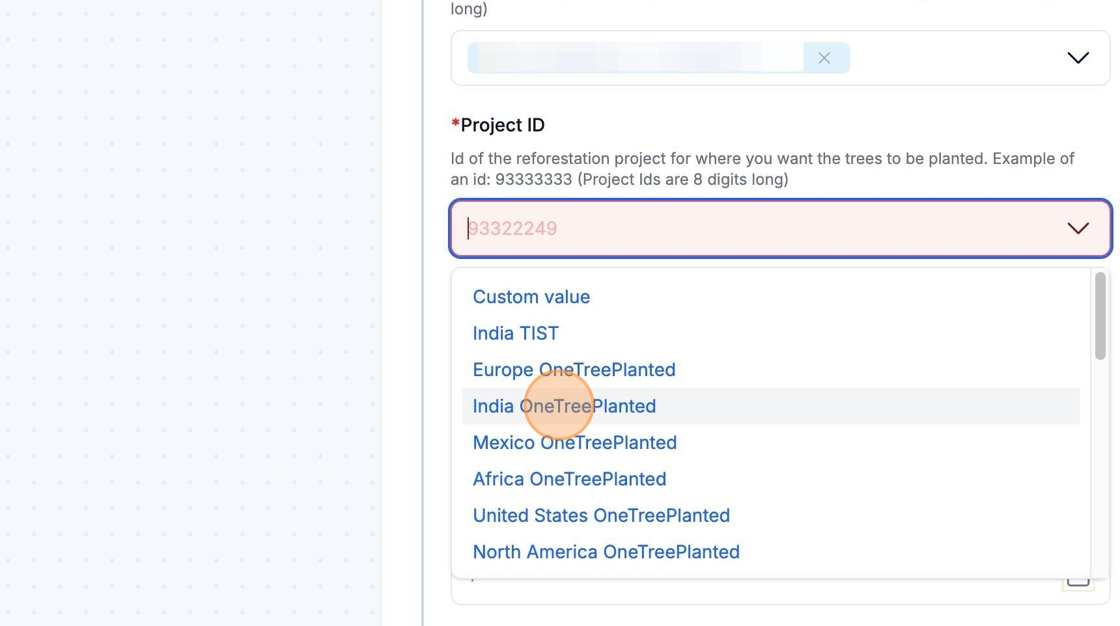
Once you have added a valid Digital Humani Connection, you can click into this field to view, search, and select a list of available reforestation projects. For more details on each project, click here.
How tree planting requests work
Section titled “How tree planting requests work”When you send a tree planting request, it is forwarded by Digital Humani to the associated reforestation organization. The reforestation organization will send you an invoice directly to pay for the trees planted. More details can be found here.